The purpose of the '+ Create Assessment Log' is to record who, when, and what type of evaluation has been completed for the student. This is to generate reports based on evaluation development data and can be used to report for Medi-Cal billing.
Log the creation of an evaluation by 'Create Assessment log' link, if:
the entering the Assessment Plan Sent, then Date Received, the 'Yes' option for parent giving consent will create the + Create Assessment located next to the Assessment Plan Received Date at the tio pf the IEP Manager. The Assessment Plan Sent, then Date Received will be available during an Annual Review if the Assessment Plan has been submitted.
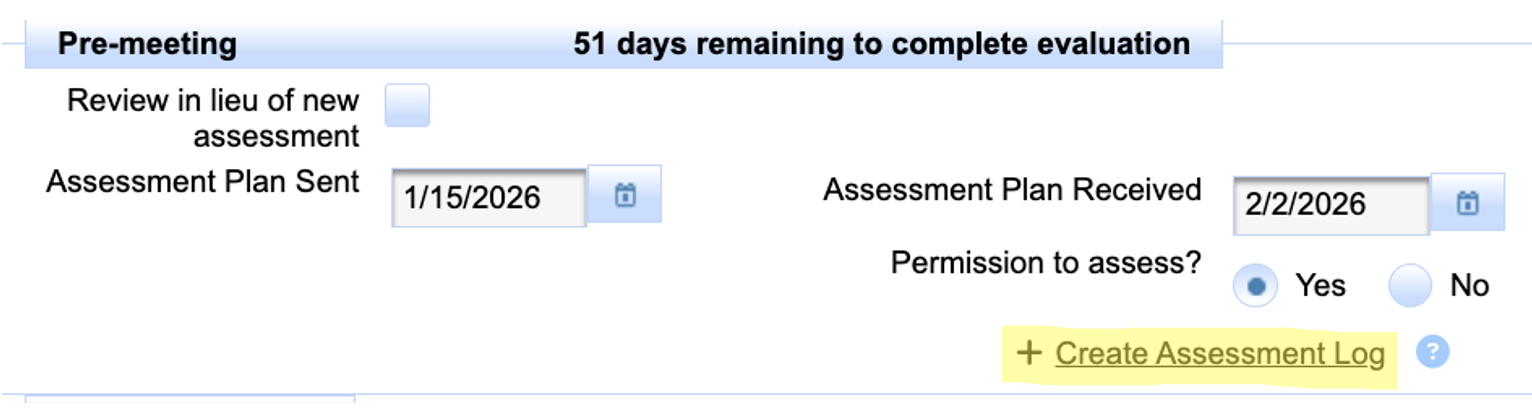
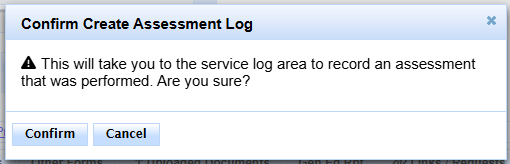
Clicking on this link will take the user to the assessment/evaluation log. and Confirming will allow the user to log the assessment/evaluation
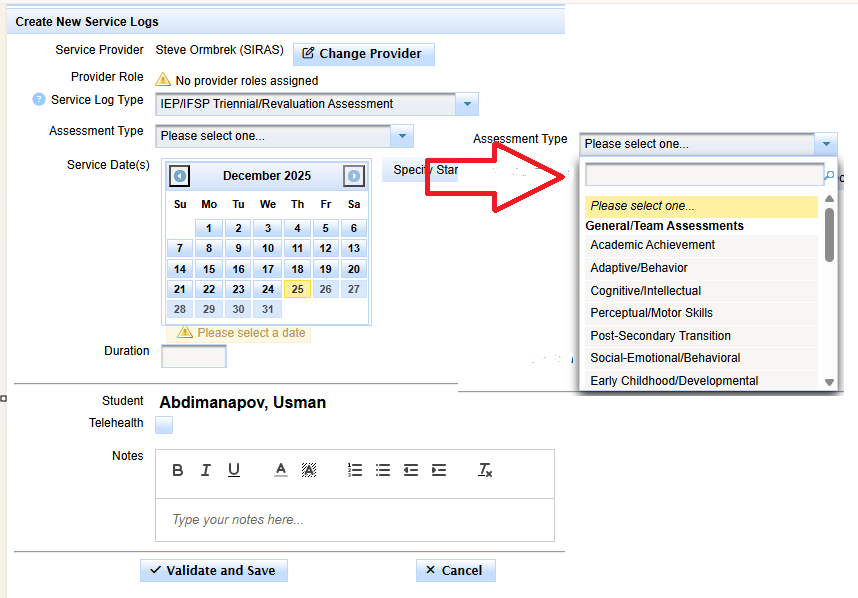
Enter the Assessment Type, the Date and Duration developing the assessment report. The Notes section is optional. Click the Validate and Save when finished.