How to save an export

Dec 08, 2025
To save an export list, all we need to do is create a saved list first.
Then go to /tools /Data Export
Click the Menu 'My Saved Lists'
Select the saved list of fields you want to export.
Click 'Load as Export'
- Verify the fields you want to export are there
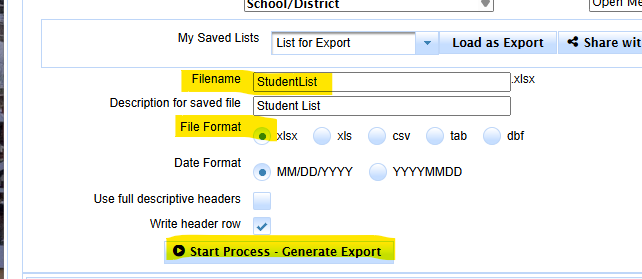
- Verify the Filename
- Verify the File Format
- Click the Start Process - Generate Export button
Go to /tools/data export
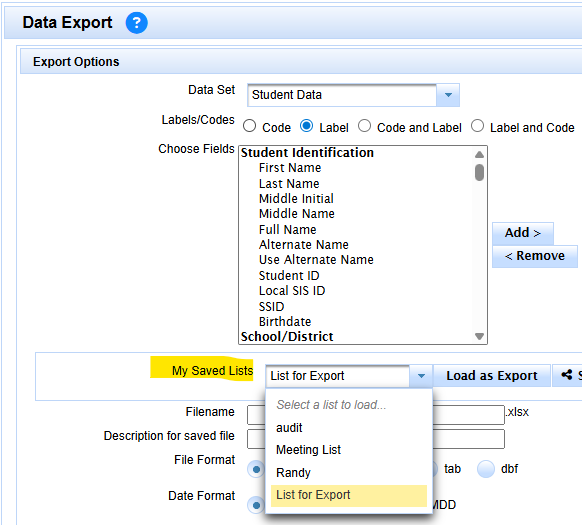
click My Saved List Menu
Select your saved list
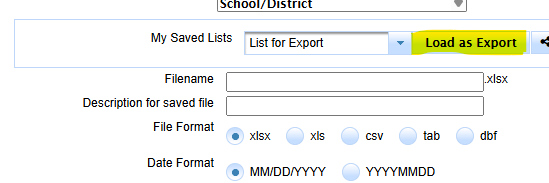
- Verify the fields you want to export are there
- Verify the Filename
- Verify the File Format
- Click the Start Process - Generate Export button