


How To Delete A Student DRDP Assessment Record
Last updated: Sep 27, 2026
Learn how to remove a specific DRDP assessment from a student profile in the SIRAS system. This guide provides a straightforward process to locate a record and finalize its deletion through the confirmation portal.
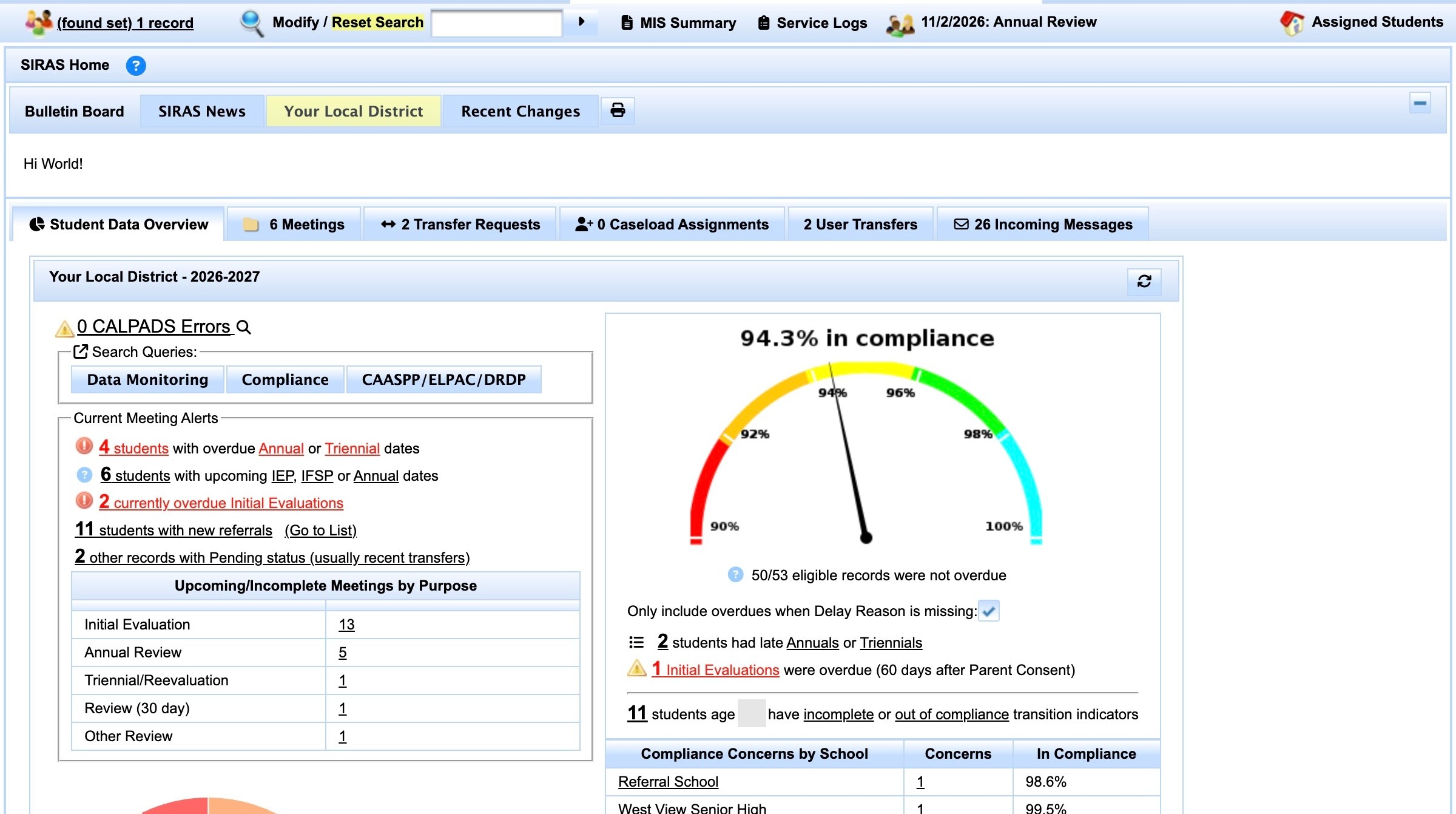
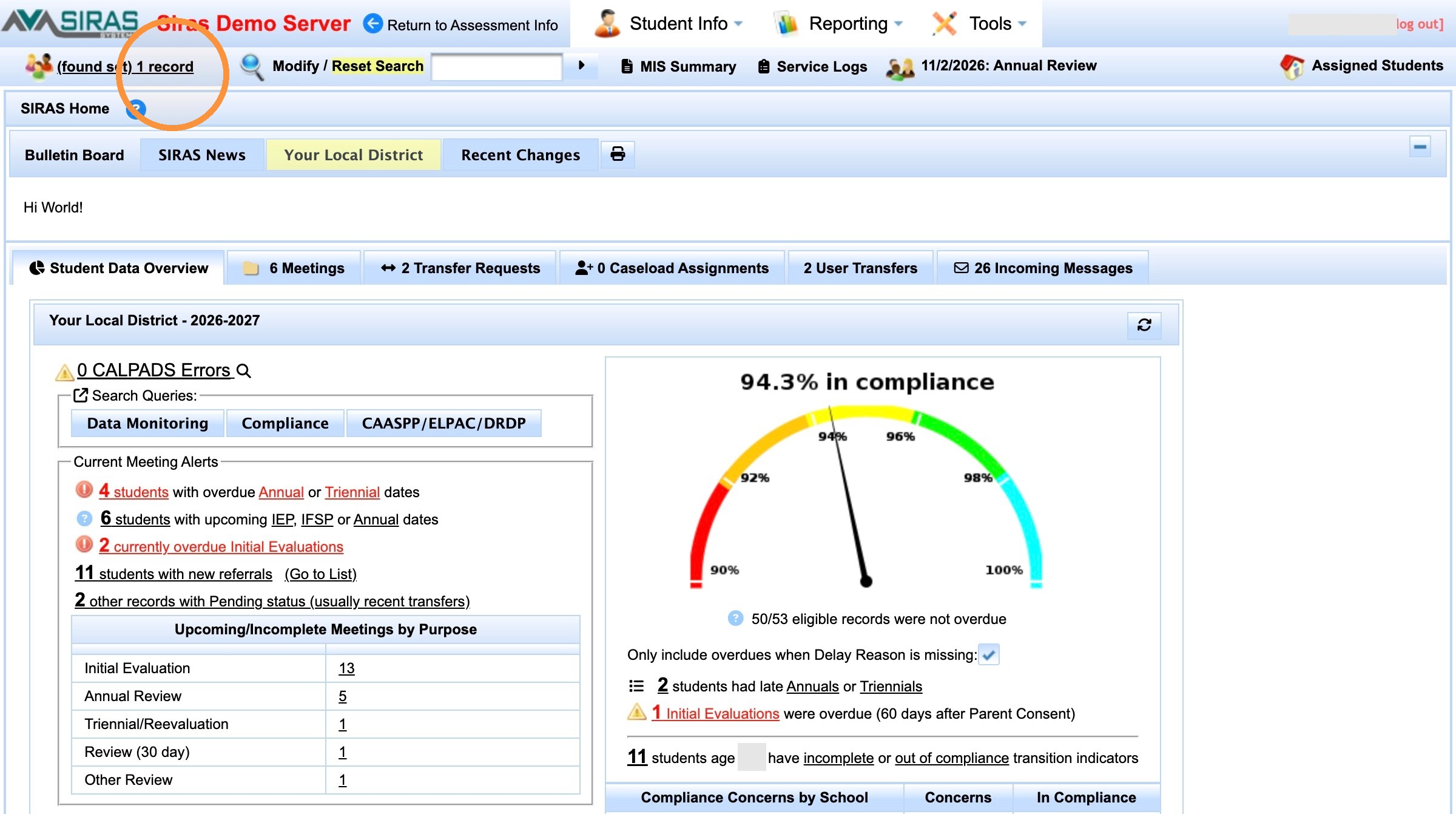
2. Click "(found set) 1 record"
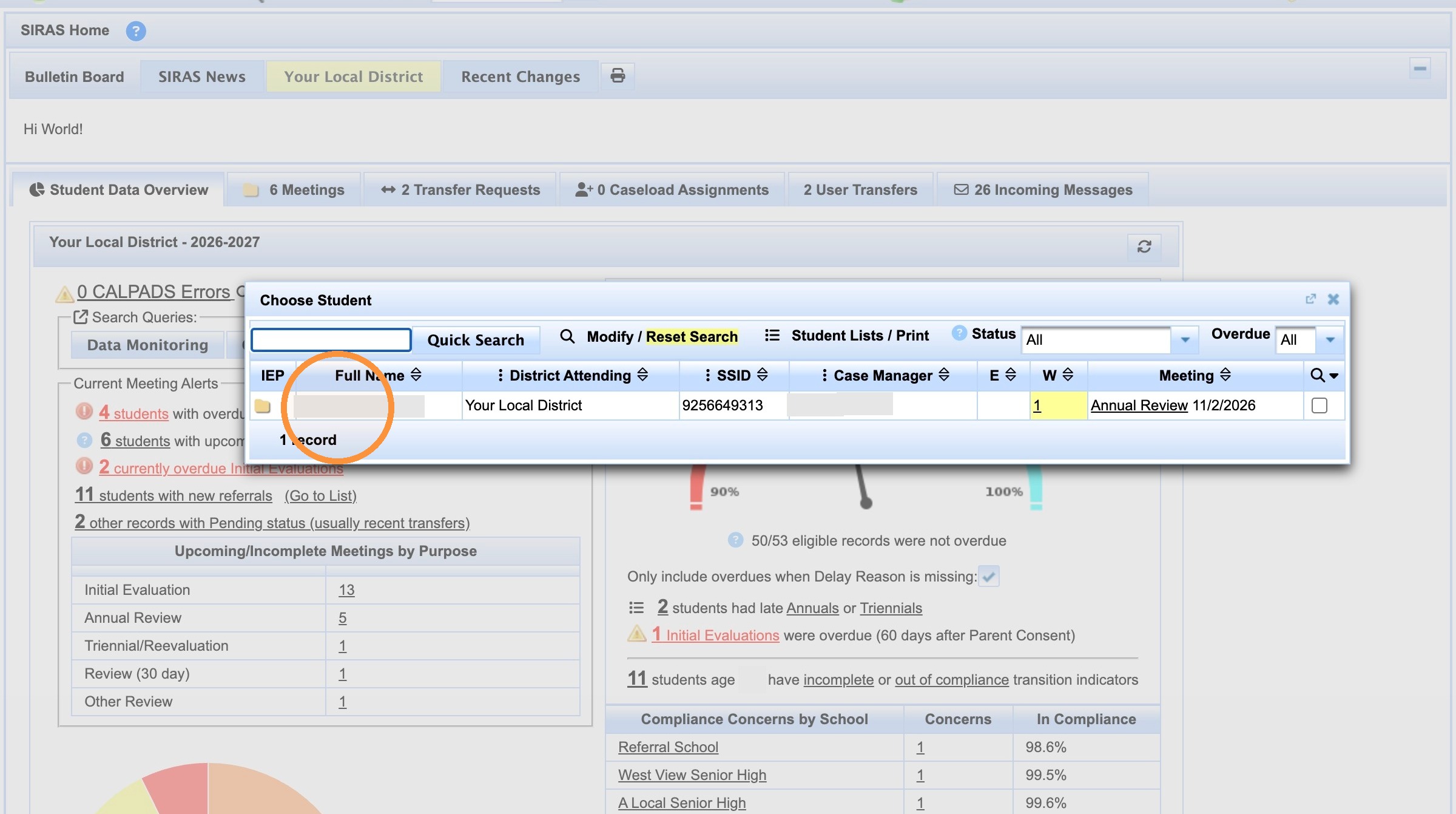
3. Click [[person name]]
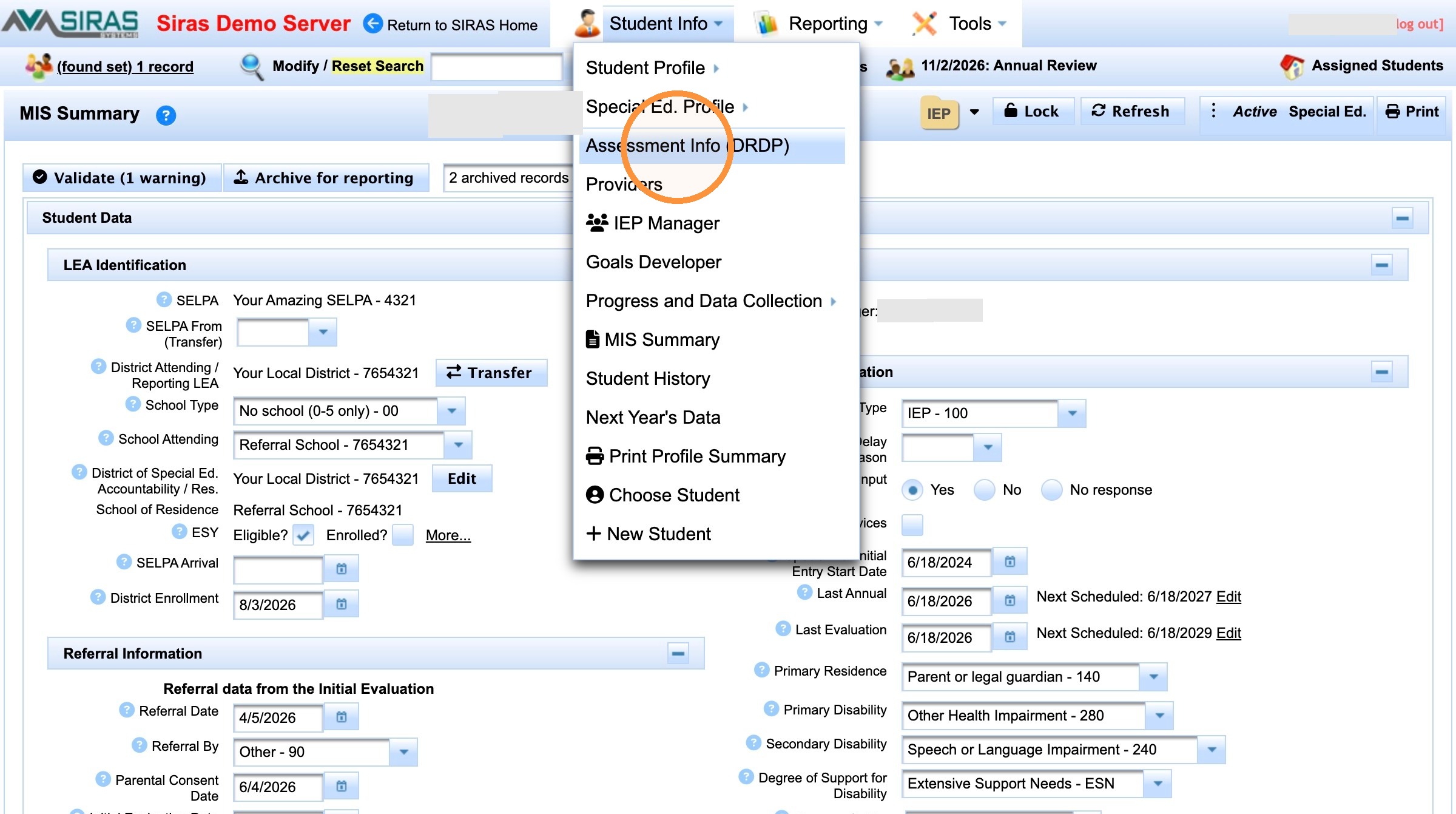
4. Click "Assessment Info (DRDP)"
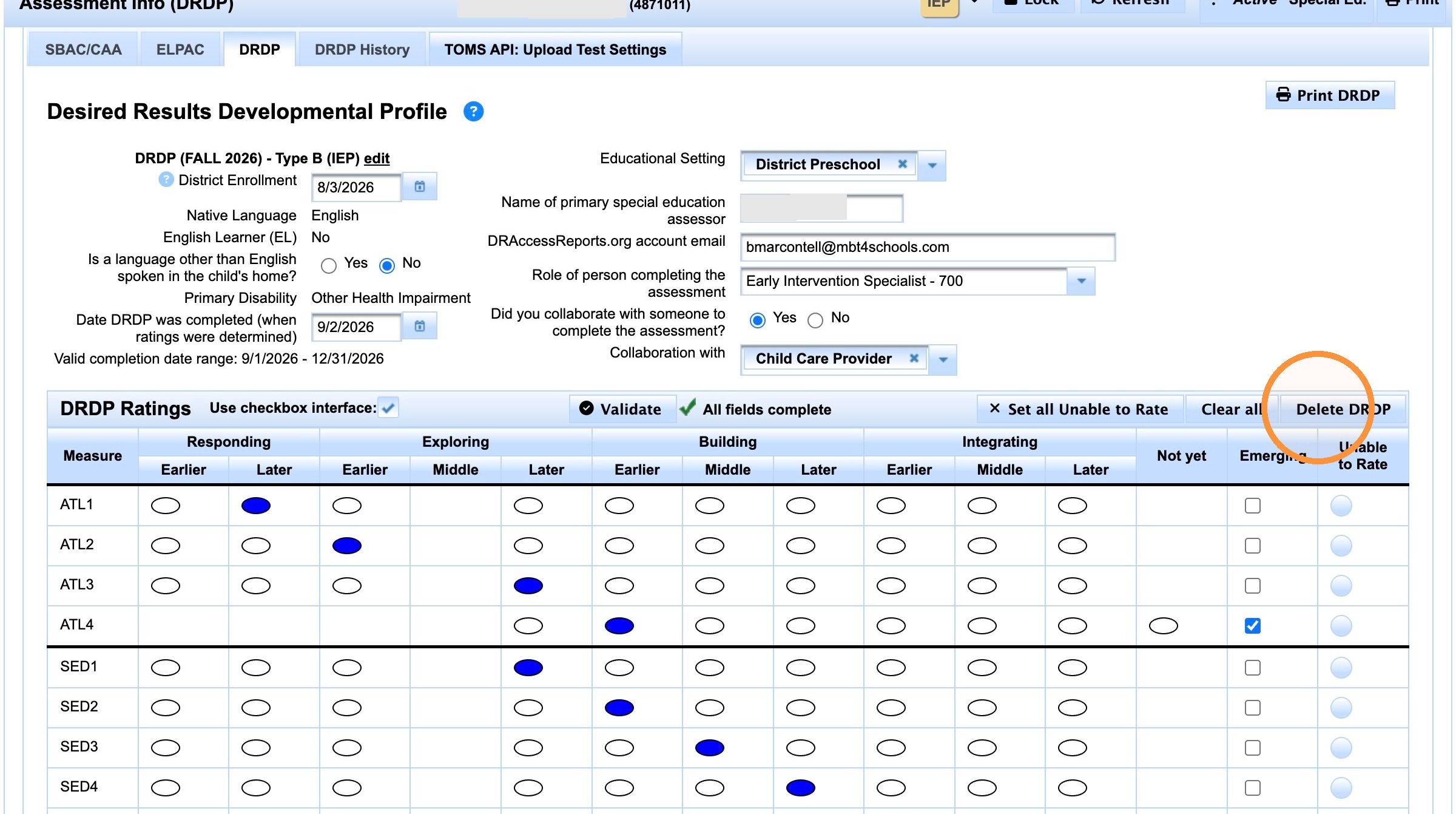
5. Click "Delete DRDP"
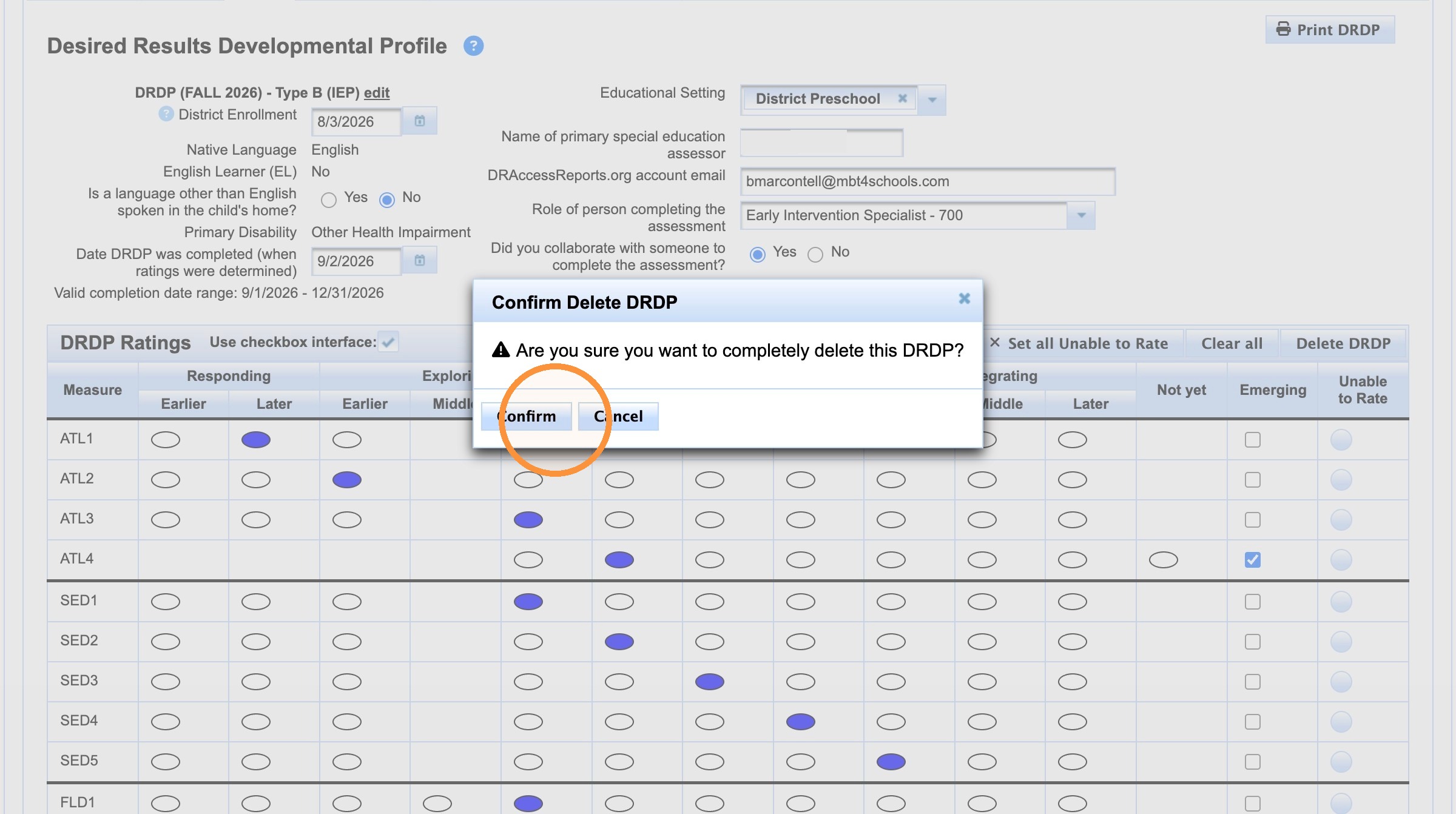
6. Click "Confirm"
Made with Scribe

