


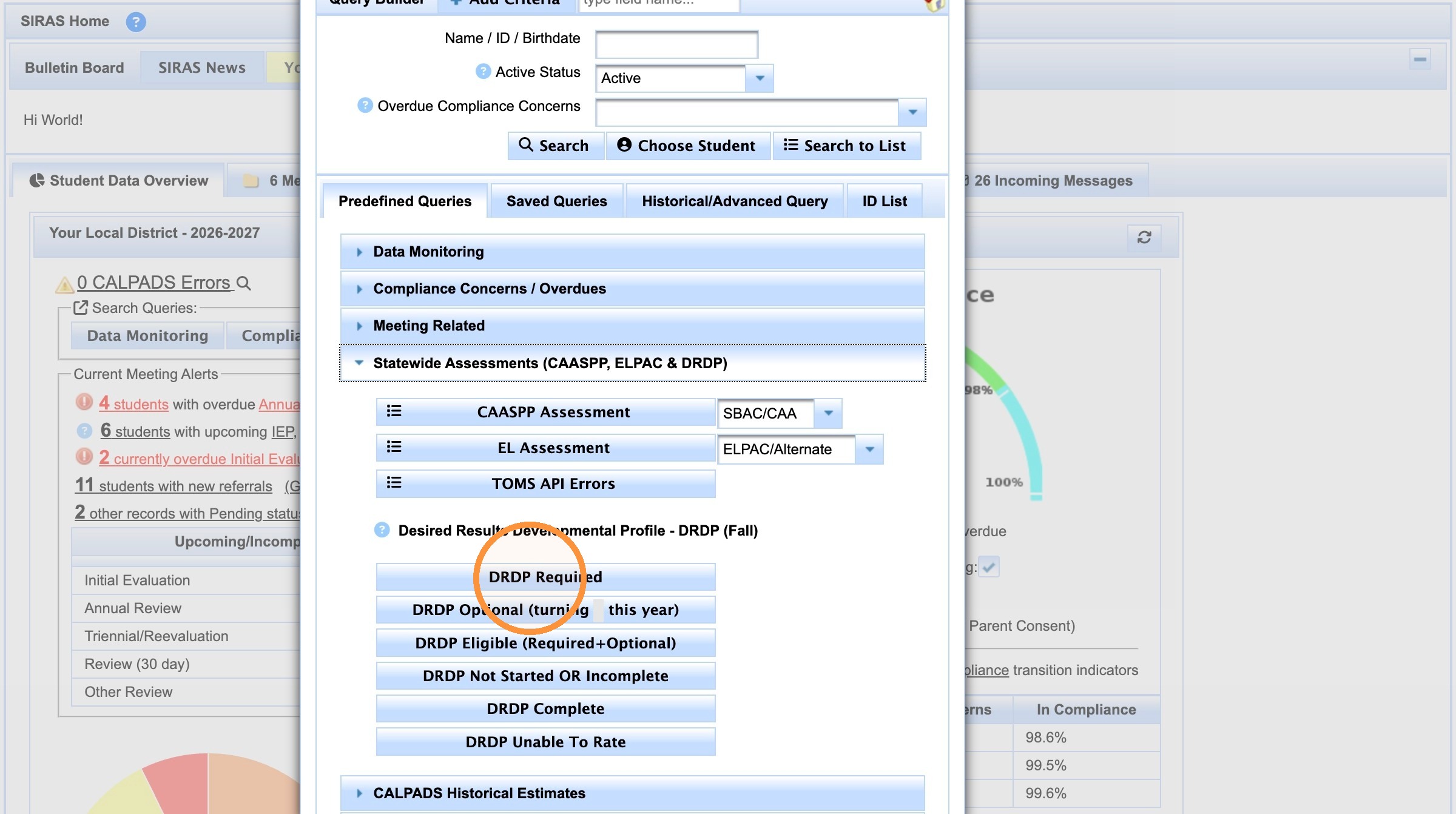
DRDP Required can be accessed by clicking Search
click on Predefined Query
Click on Statewide assessment sub folder
Click on DRDP Required
1. Login to SIRAS
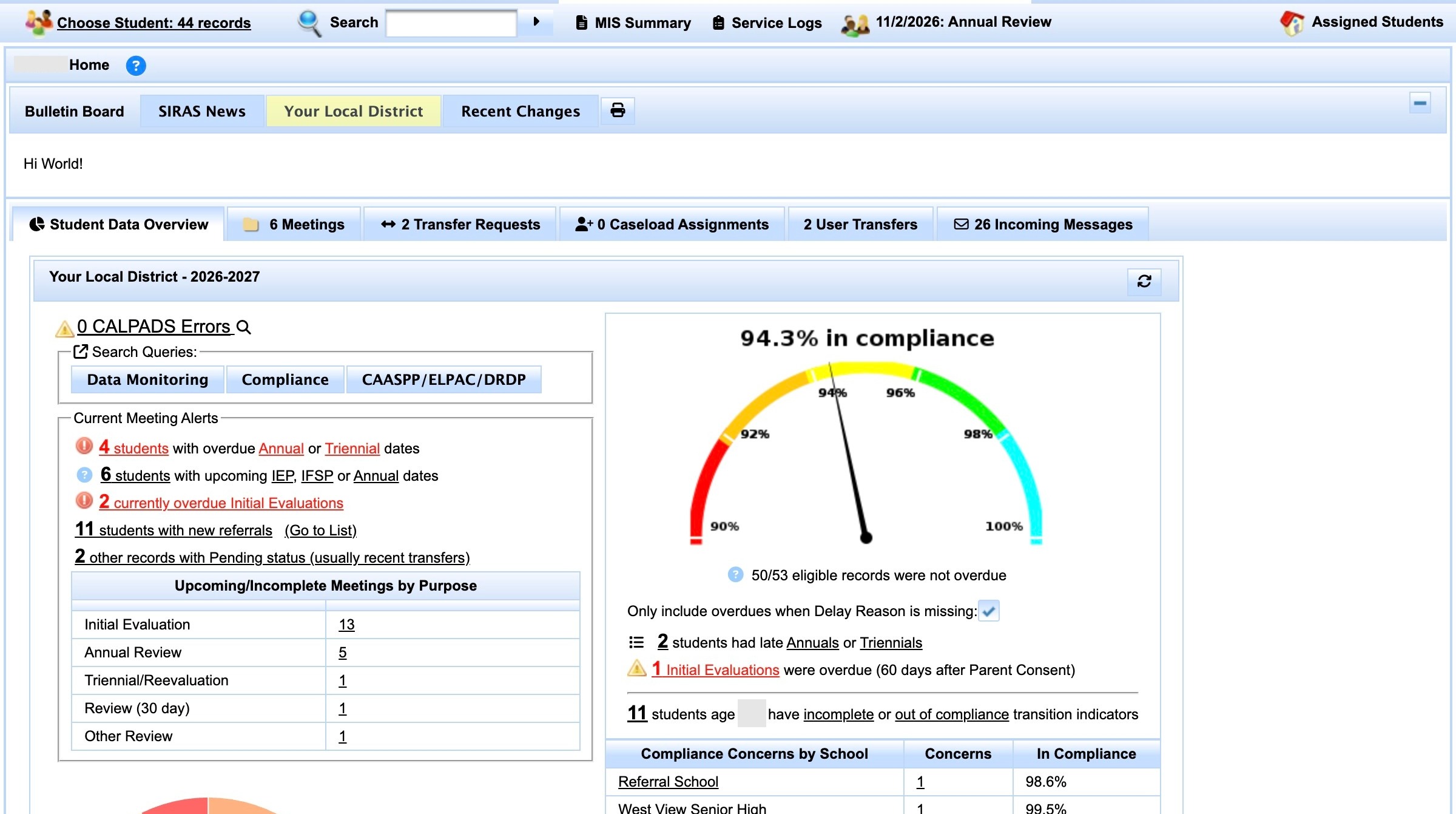
2. Click "Search"
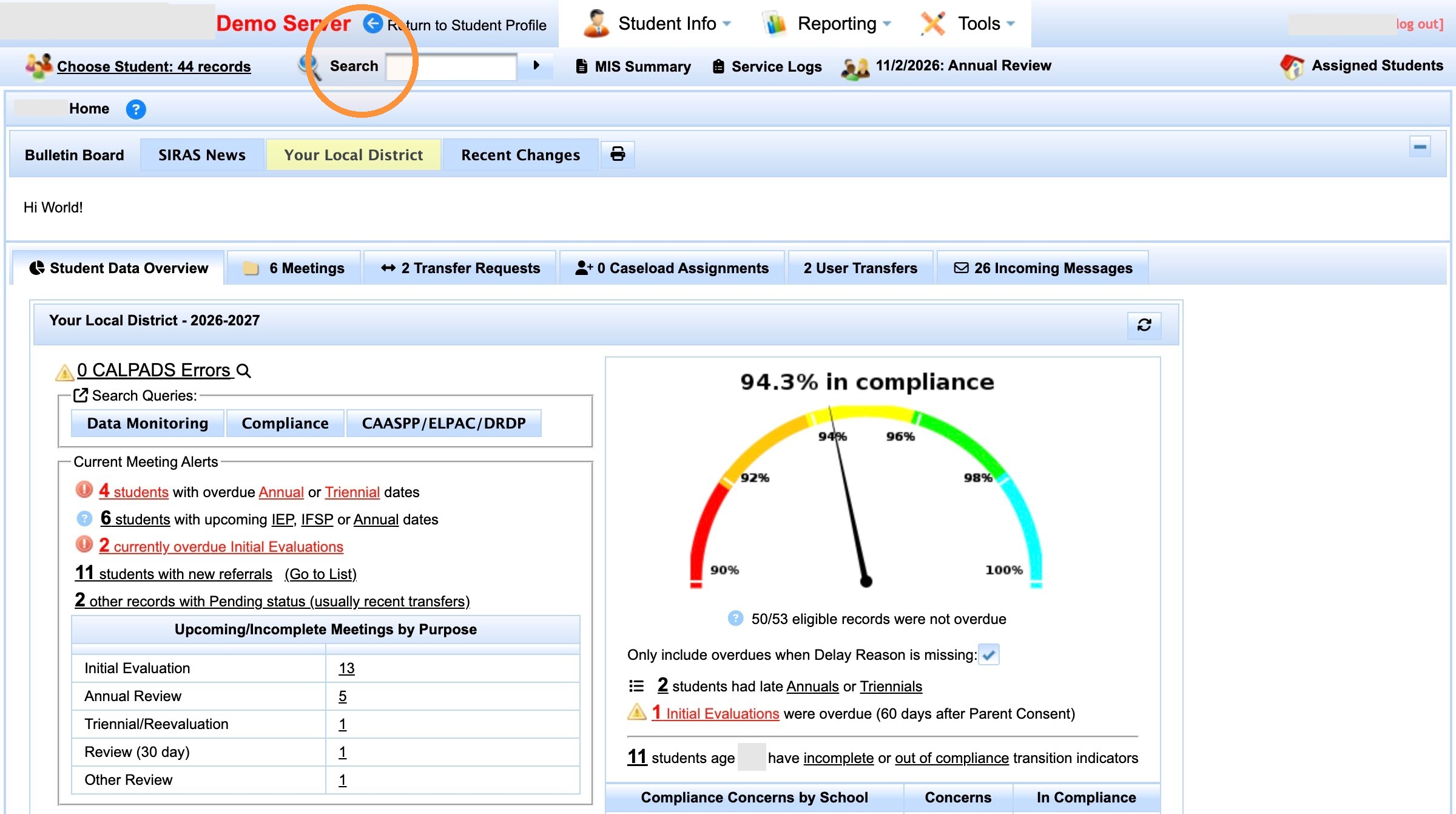
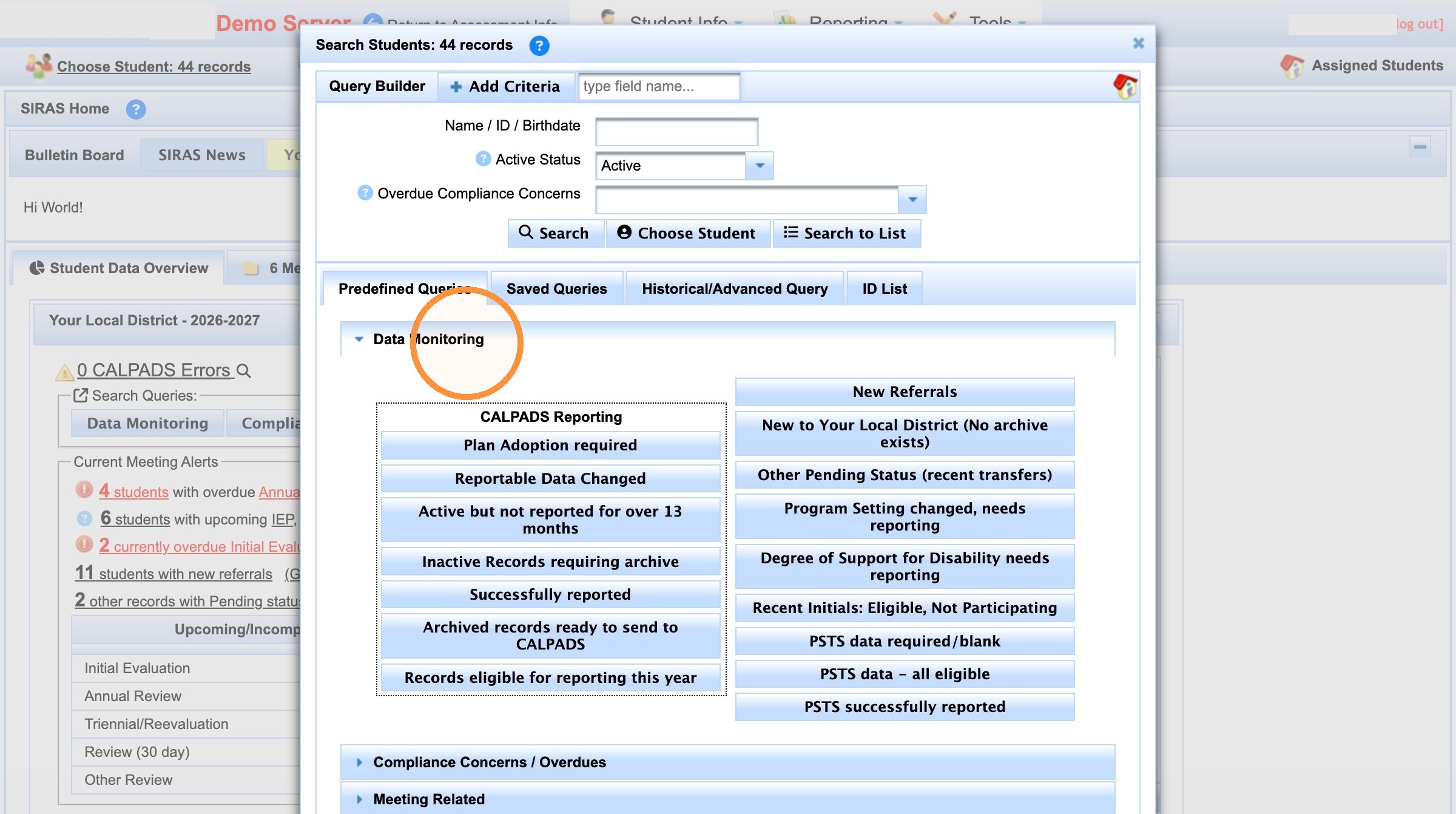
3. Click "Data Monitoring"
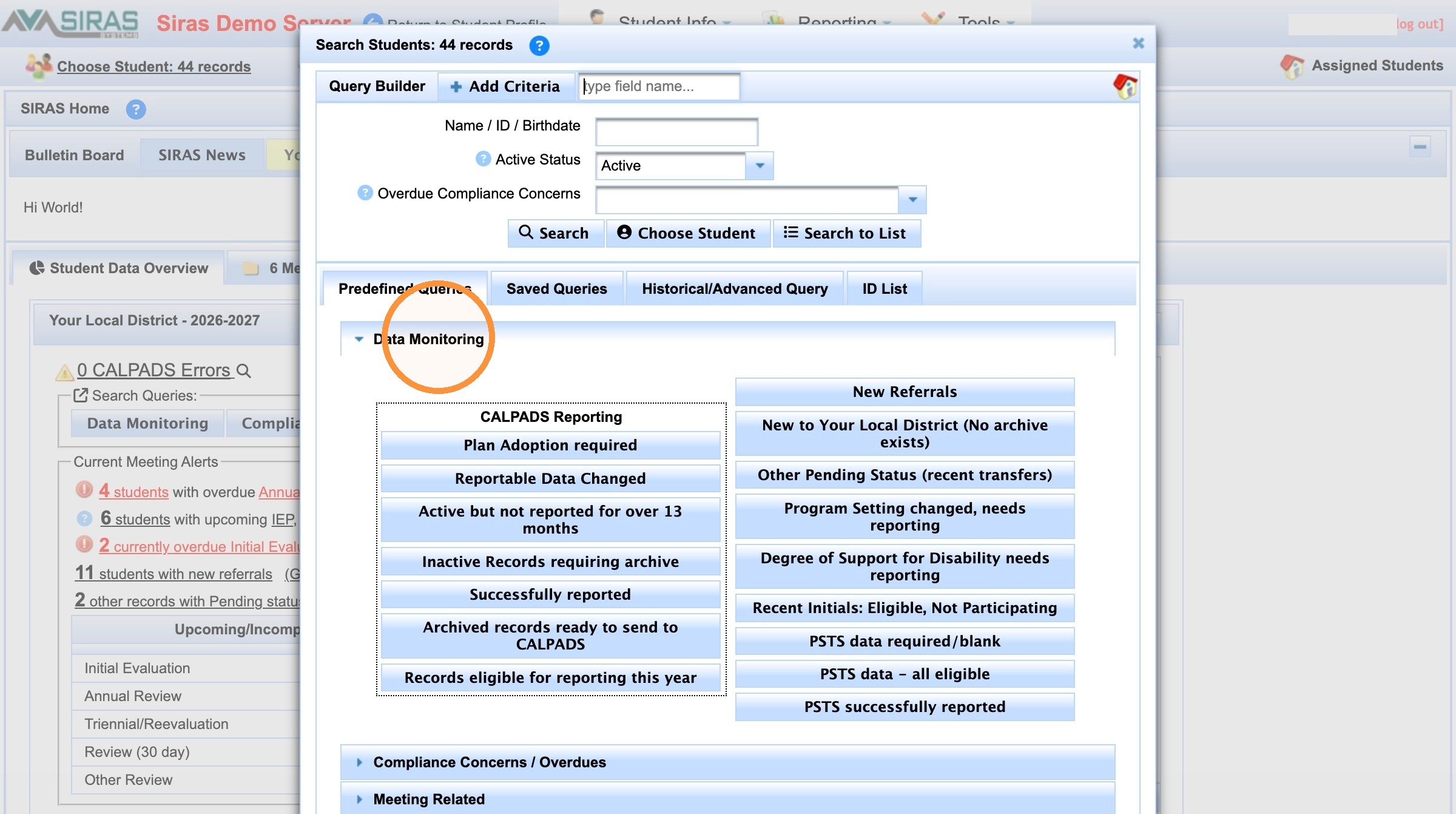
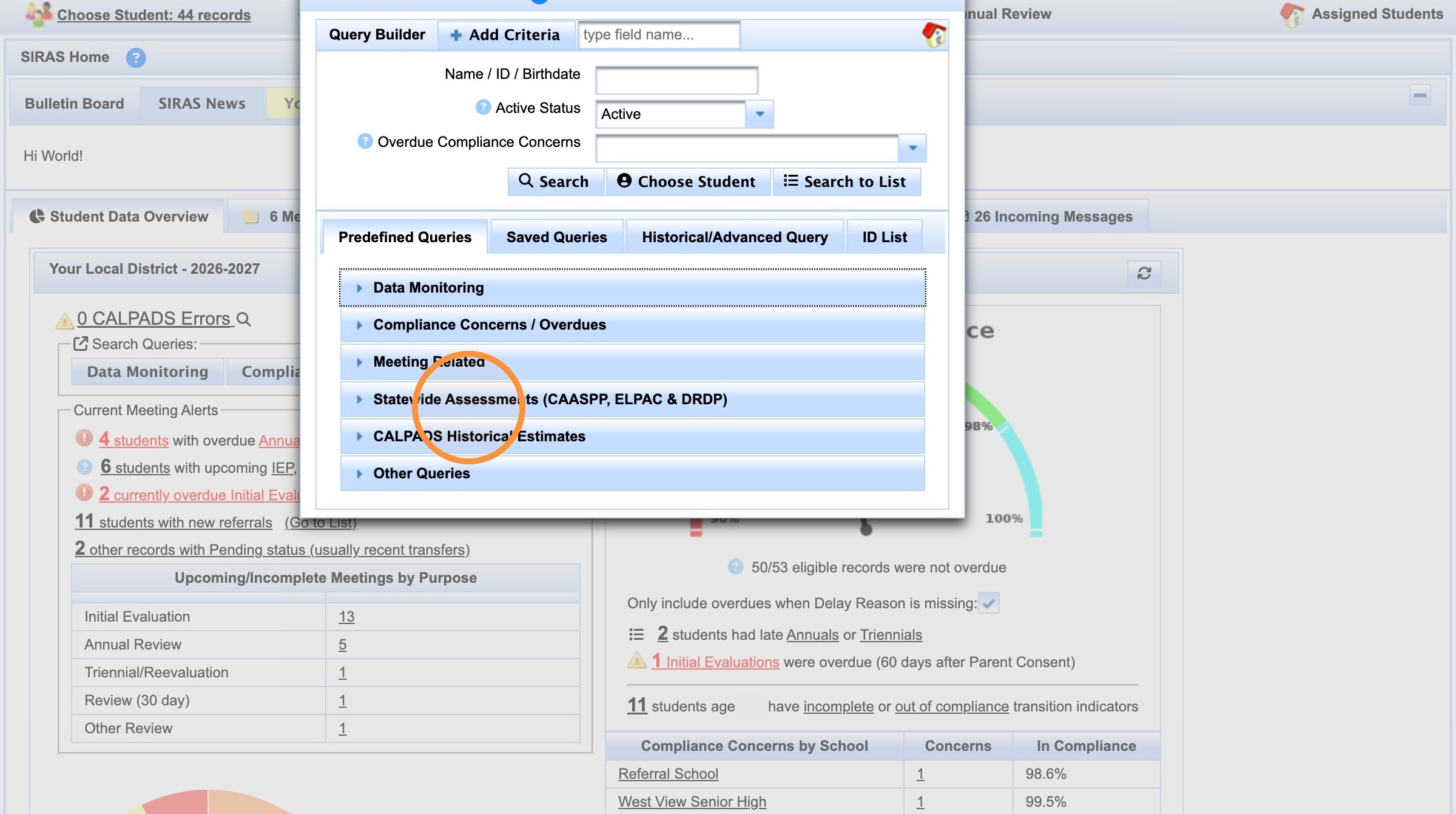
4. Click "Statewide Assessments (CAASPP, ELPAC & DRDP)"
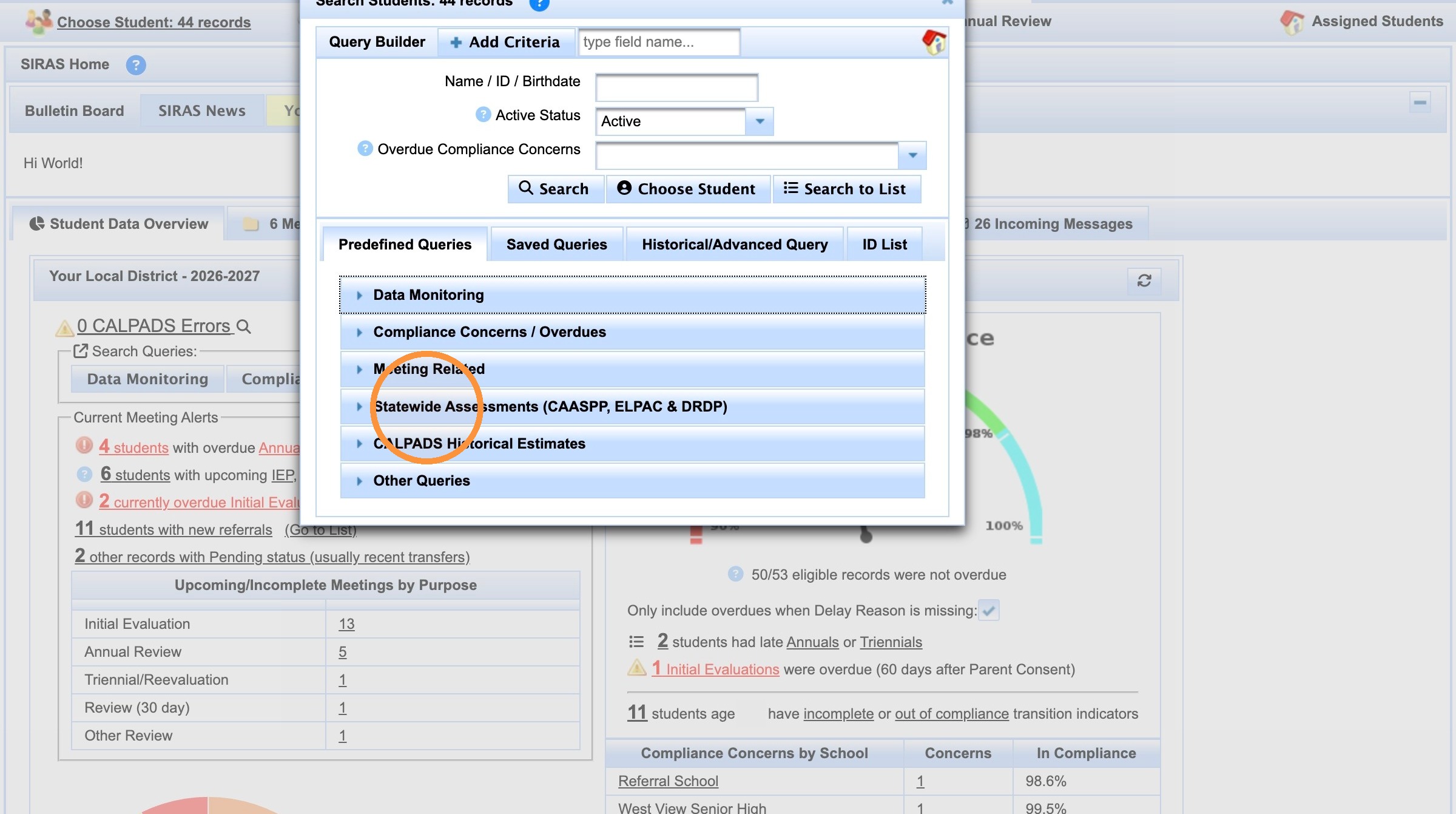
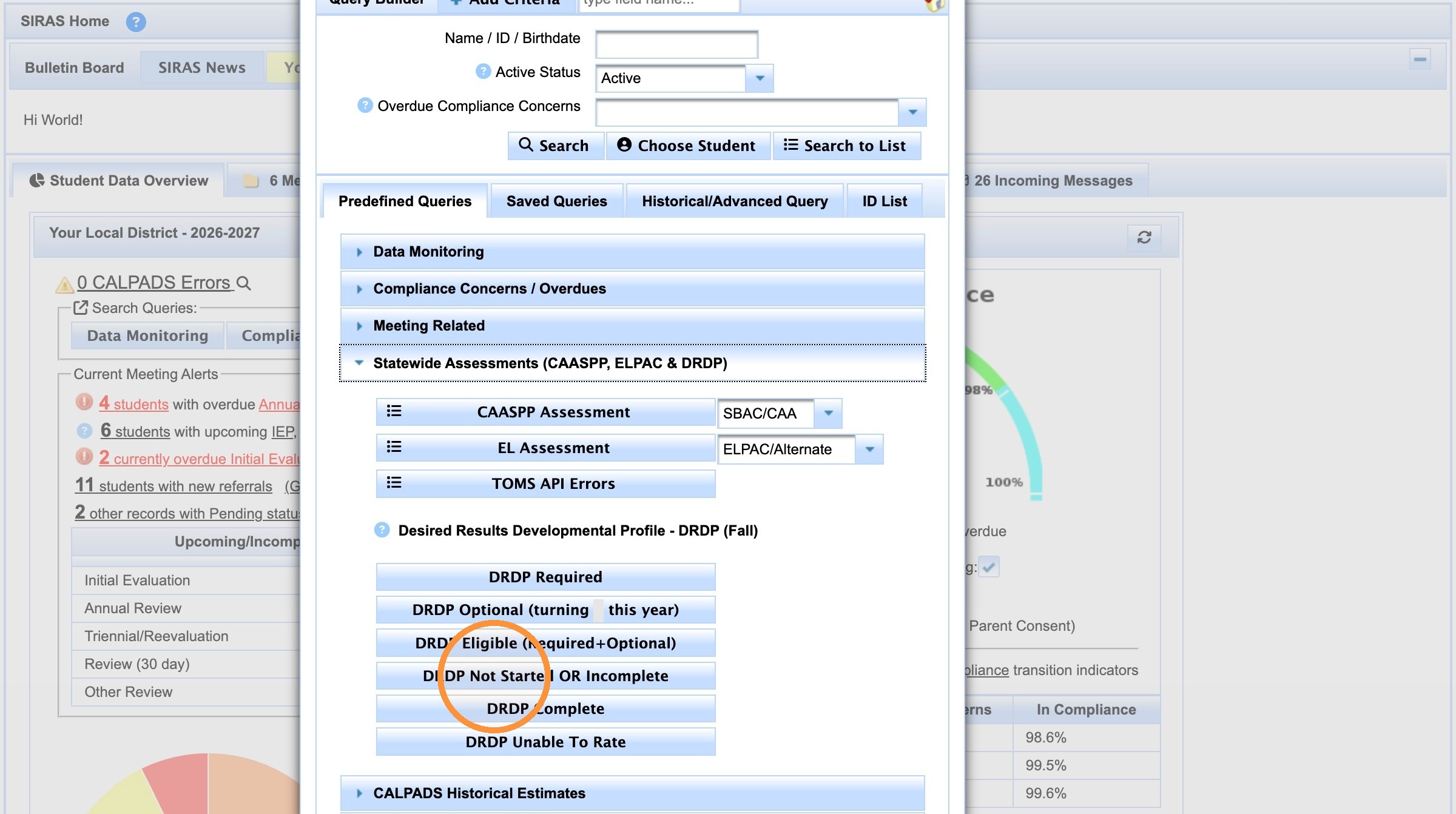
5. Click "DRDP Required"
Made with Scribe
Similar concept that can go on this page
DRDP Not started can be accessed by clicking Search
click on Predefined Query
Click on Statewide assessment sub folder
Click on DRDP Not started or incomplete
Accessing Incomplete DRDP Assessment Records in SIRAS
Learn how to navigate the SIRAS data monitoring tools to locate specific student assessment records. This guide simplifies the process of filtering for incomplete DRDP entries to help you manage your reporting requirements efficiently.
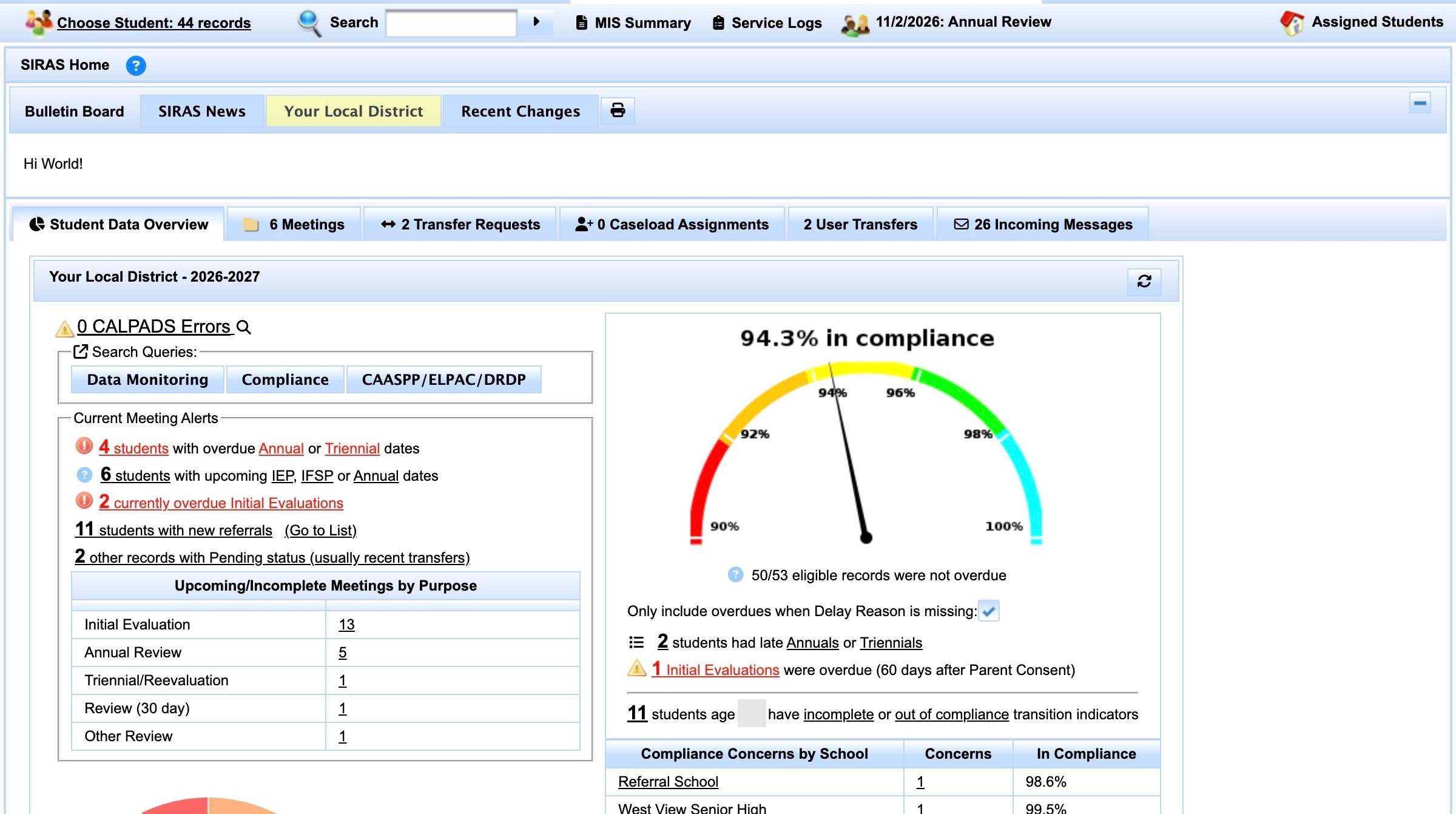
2. Click "Search"
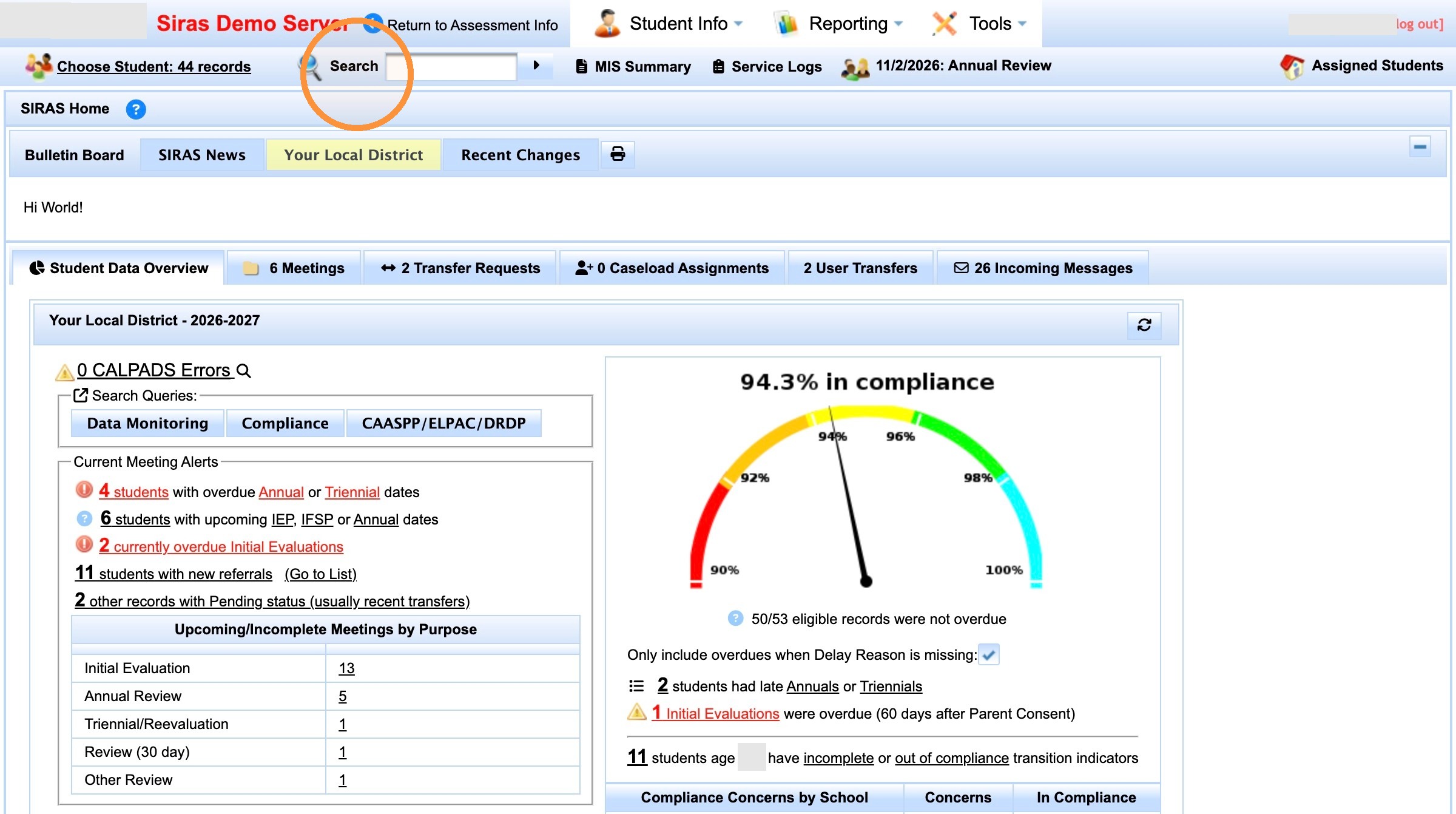
3. Click "Search"
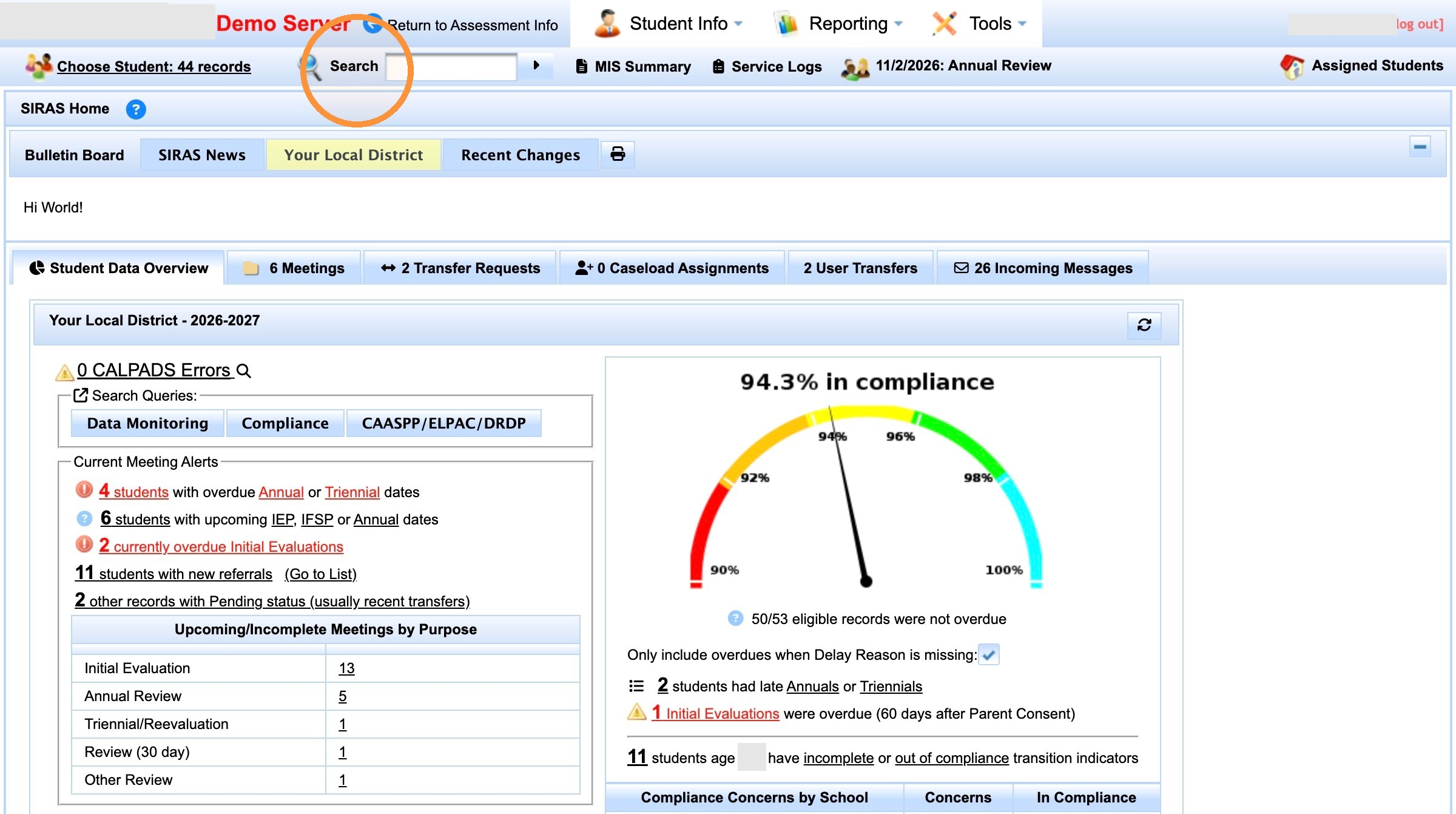
4. Click "Data Monitoring"
5. Click "Statewide Assessments (CAASPP, ELPAC & DRDP)"
6. Click "DRDP Not Started OR Incomplete"
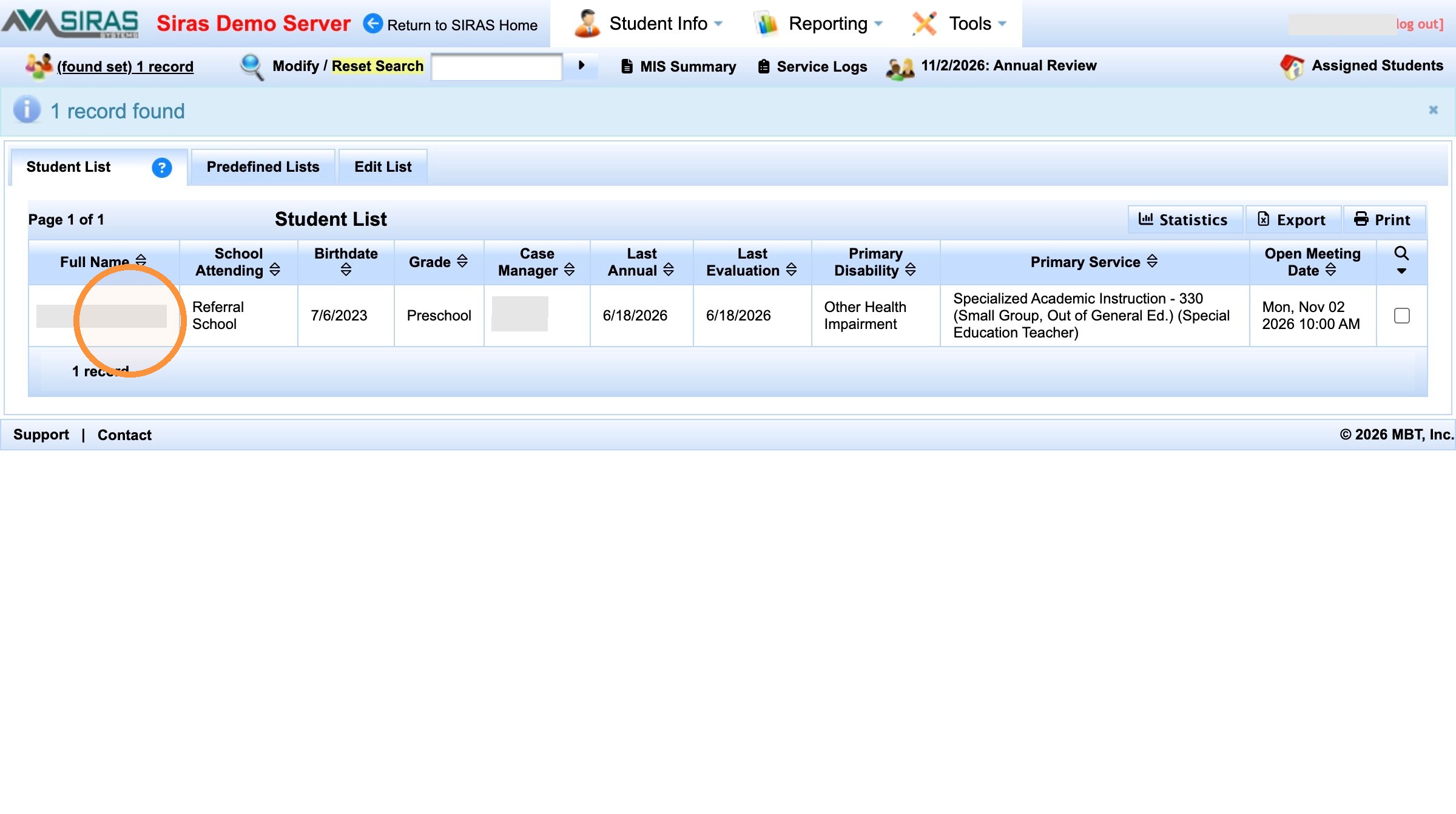
7. Click [[person name]]
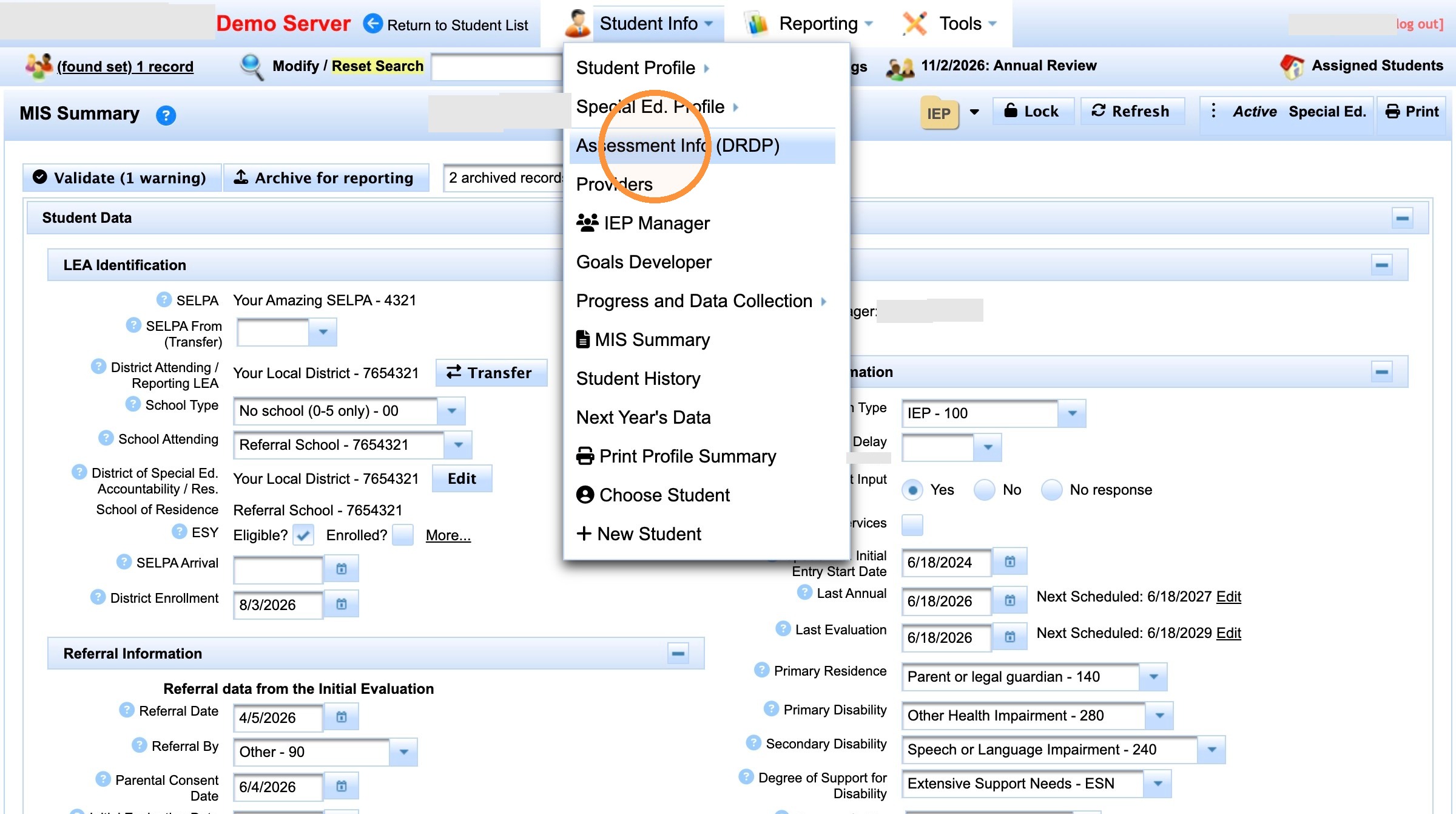
8. Click "Assessment Info (DRDP)"
Made with Scribe

